
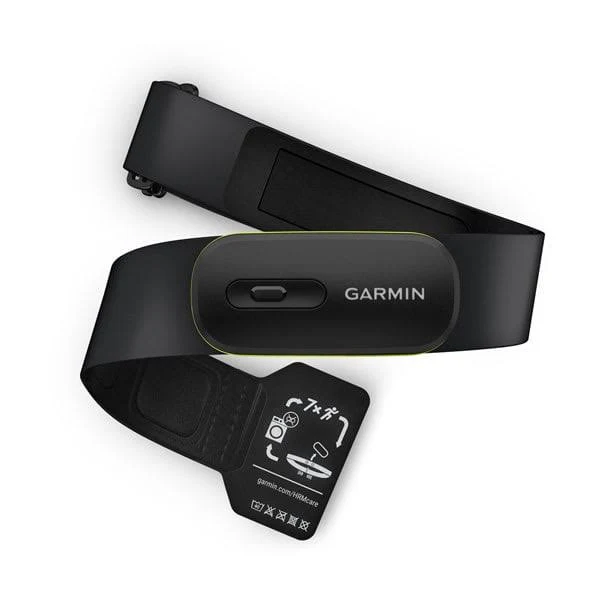
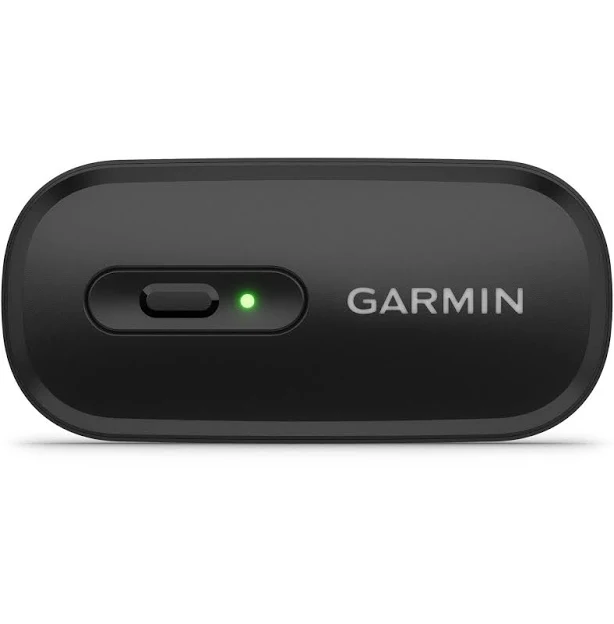
Garmin HRM 600 Heart Rate Monitor
4.7(1K)
From
$268.00
Across 14 retailers

515 products in the catalogue · 451 with prices across 8 retailers from $40 to $3999.
From
$268.00
Across 14 retailers
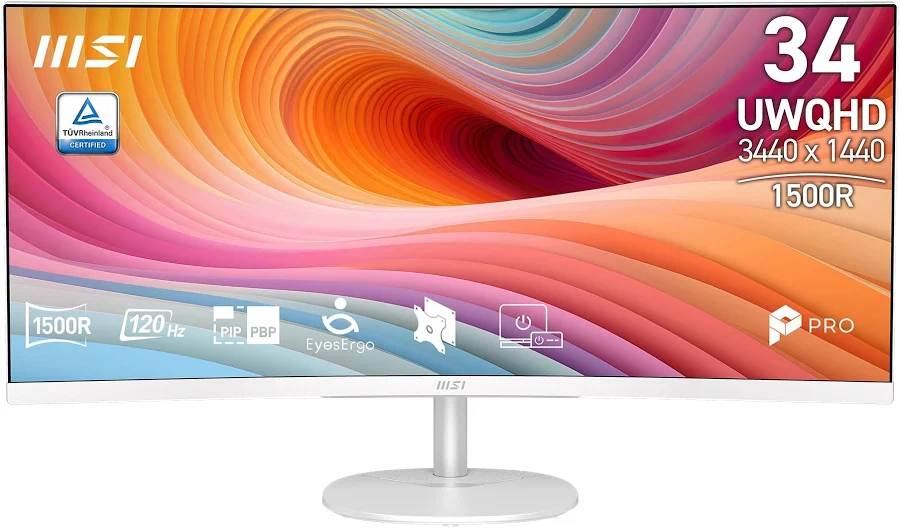
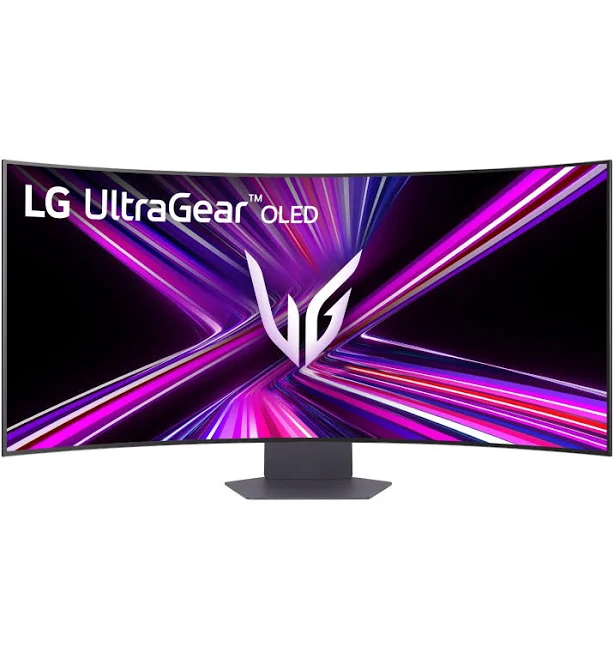
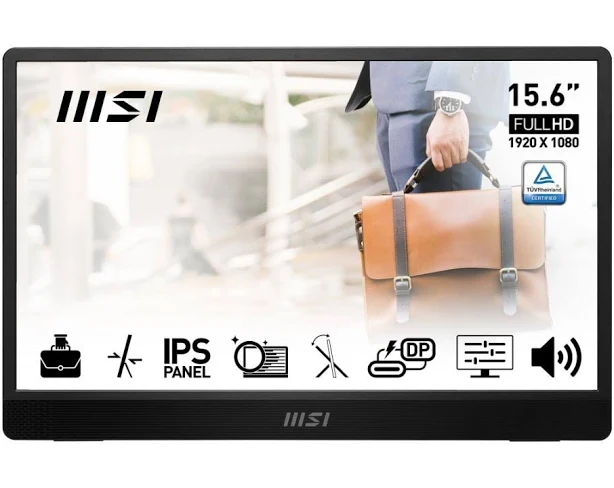
From
$138.77
Across 13 retailers
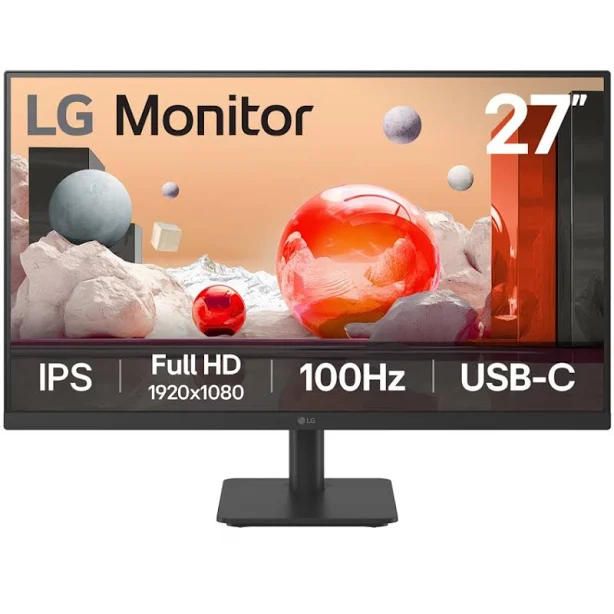
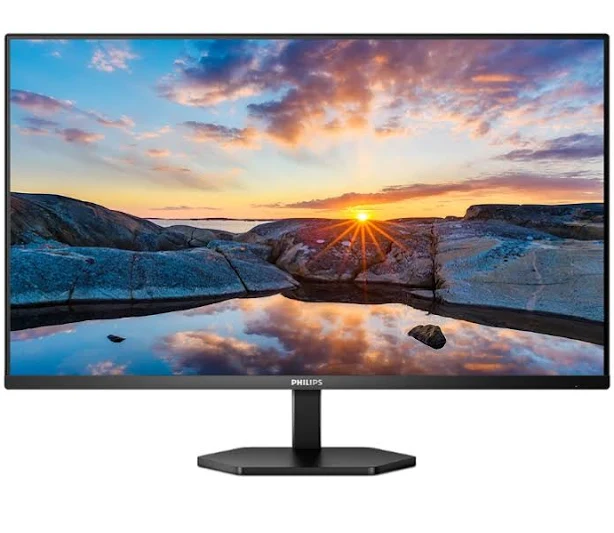
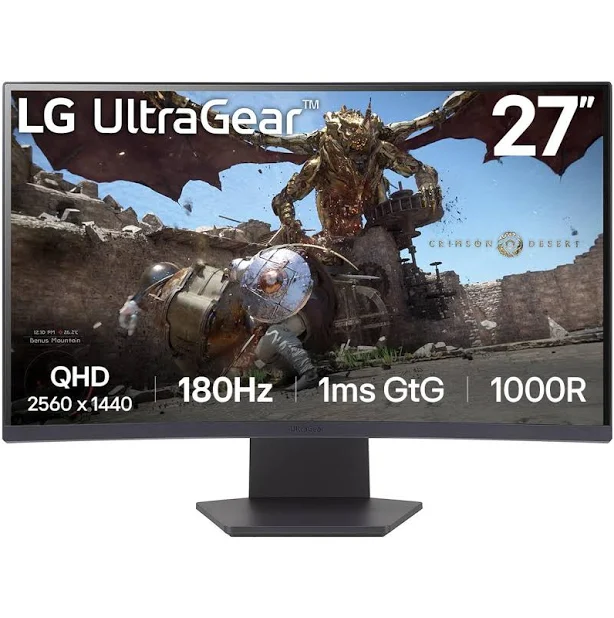
From
$277.99
Across 13 retailers

From
$339.00
Across 13 retailers
From
$735.21
Across 13 retailers
From
$138.99
Across 12 retailers
From
$149.00
Across 12 retailers
From
$172.75
Across 12 retailers

From
$209.99
Across 12 retailers
From
$239.00
Across 12 retailers
From
$269.00
Across 12 retailers
According to the IBISWorld report on Computer and Software Retailing in Australia, the industry has experienced significant shifts as remote work trends stabilise and demand for high-resolution hardware persists. The market size for computer peripherals and hardware in Australia remains substantial, valued in the billions of dollars annually. Retailers observe distinct cyclical patterns that dictate pricing strategies throughout the calendar year. Sales volume typically peaks during the mid-year End of Financial Year (EOFY) period in June, as businesses and individuals look to capitalise on tax deductions for hardware upgrades. A secondary surge occurs in November, driven by the alignment of global Black Friday and Cyber Monday events, which have become firmly entrenched in the Australian retail calendar. These periods often see aggressive discounting on 27-inch and 32-inch 4K panels, as retailers clear inventory to make room for newer models. Conversely, the first quarter of the year often sees higher price stability as retailers manage supply chain replenishment. Understanding these seasonal fluctuations is critical for Australian consumers, as timing a purchase around these established retail cycles can result in significant savings compared to buying during off-peak months.
| Retailer | Products tracked | Price range |
|---|---|---|
| eBay | 306 | $39.98 – $3999.00 |
| JB Hi-Fi | 145 | $49.00 – $3099.00 |
| Woolworths | 58 | $129.00 – $3666.00 |
| BIG W | 56 | $129.00 – $2699.00 |
| Dick Smith AU | 45 | $138.77 – $3500.00 |
| Kogan.com | 44 | $119.00 – $3500.00 |
| Ubuy | 39 | $164.96 – $2408.06 |
| Scorptec | 38 | $139.00 – $3199.00 |
When purchasing a monitor in Australia, timing is a critical factor for cost savings. Major shopping events such as the EOFY sales in June, Click Frenzy in May and November, Black Friday in November, and the Boxing Day sales in December are the most opportune times to secure discounts. When evaluating specs, prioritise resolution and panel type; IPS panels generally offer the best colour accuracy for creative work, while VA or TN panels may suit specific gaming needs. Ensure that any monitor purchased complies with Australian electrical standards (230V/50Hz) and comes with a local Australian warranty, as grey-market imports may lack local support or proper power cables. A common pitfall for Australian buyers is ignoring the physical environment; if your workspace receives significant natural light, look for monitors with high peak brightness (measured in nits) and anti-glare coatings to maintain visibility. Additionally, verify the connectivity options, such as HDMI 2.1 or DisplayPort 1.4, to ensure compatibility with your existing computer hardware. Always factor in the cost of shipping, especially for larger 34-inch ultrawide monitors, as these can incur significant freight charges depending on your location in Australia.
In Australia, monitors are covered by the Australian Consumer Law (ACL), which provides automatic consumer guarantees regardless of the manufacturer's warranty. Most major brands offer a standard 3-year manufacturer warranty for monitors sold through authorised Australian channels. If a monitor develops a major fault, you are entitled to a repair, replacement, or refund. It is important to keep your original tax invoice as proof of purchase, as retailers will require this to process any warranty claims or returns under the ACL.
Yes, all monitors sold by reputable Australian retailers are designed to operate on the standard Australian power grid, which is 230V/50Hz. They will come with the appropriate Australian three-pin plug. If you are considering purchasing a monitor from an overseas website, be aware that it may arrive with a different plug type, requiring an adapter or a new power cable. Using incompatible power equipment can void your warranty and may pose a safety risk, so it is always safer to purchase models intended for the Australian market.
For a 27-inch monitor, 1440p (QHD) is widely considered the 'sweet spot' for most users in Australia. This resolution offers a high pixel density, resulting in sharp text and clear images without the scaling issues sometimes found with 4K resolution on smaller screens. While 1080p (Full HD) is cheaper, it can look pixelated at the 27-inch size. If you are doing professional graphic design or video editing, 4K is recommended, but ensure your computer's graphics card can handle the increased pixel count for smooth performance.
The best way to verify a sale price is to use a price history tracking tool. Many retailers use 'was' pricing that may not reflect the actual market average over the last few months. By checking the price history, you can see if the current discount is genuine or if the monitor has been sold at this price point previously. Comparing the current price against the historical low ensures you are not falling for marketing tactics that inflate the original price to make the discount appear larger.
For general office tasks like word processing, web browsing, and spreadsheets, a standard 60Hz or 75Hz refresh rate monitor is perfectly sufficient. High refresh rate monitors (120Hz, 144Hz, or higher) are primarily designed for gaming and provide smoother motion, which reduces eye strain during fast-paced movement. While a high refresh rate can make the desktop experience feel more responsive, it is not a necessary expense for productivity-focused setups. Investing those funds into a higher resolution or better colour accuracy is often more beneficial for office-based work.