
- Category
- HDMI Cables
- Country
- Australia
- Catalogue products
- 87
- Products with prices
- 72
- Retailer count
- 8
- Min price (AUD)
- $4.00
- Max price (AUD)
- $999.00
HDMI Cables in Australia
87 products in the catalogue · 72 with prices across 8 retailers from $4 to $999.
HDMI cables in Australia typically retail between $5 and $150 depending on length, material quality, and bandwidth specifications. Whether you are setting up a home theatre system or connecting a laptop to a monitor, finding the right cable involves balancing your technical requirements with current market pricing. HDMI technology has evolved significantly, with modern standards like HDMI 2.1 supporting 4K at 120Hz and 8K resolutions, which can influence the price point significantly. At WhatsCheap, we provide comprehensive price comparison tools and historical pricing data for thousands of items, allowing you to track fluctuations and identify the optimal time to purchase. By aggregating data from dozens of Australian retailers, we help you avoid overpaying for standard connectivity solutions. Our platform simplifies the shopping process by highlighting current discounts and providing a clear view of price trends across the local market, ensuring you make an informed decision every time you shop for home entertainment hardware.Read hdmi cable buying guideHide hdmi cable buying guide
Top HDMI Cables Products
View All
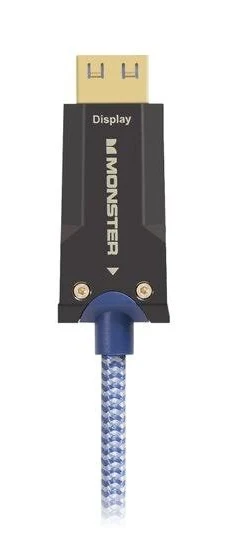
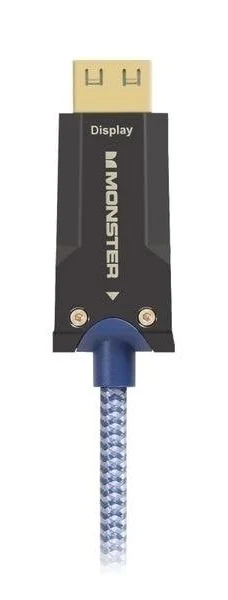
Monster M3000 UHS Active Optical HDMI Cable 30m
No reviews yet
From
$292.60
Across 15 retailers

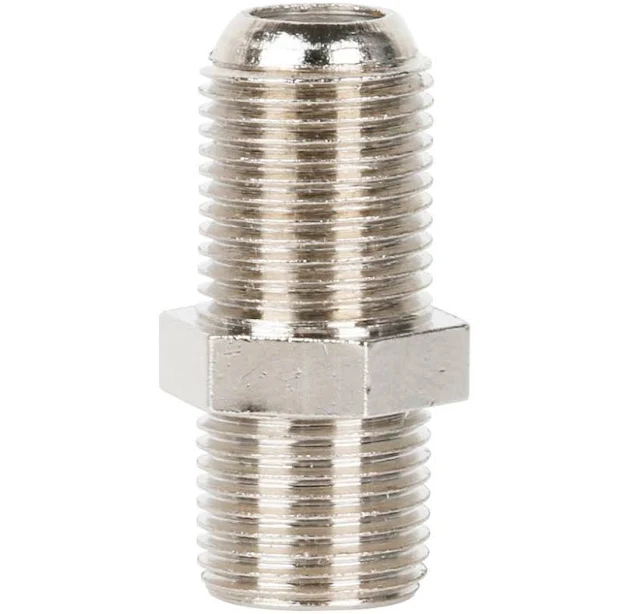
Monster Digital Coaxial Coupler F-Type
No reviews yet
From
$4.00
Across 13 retailers
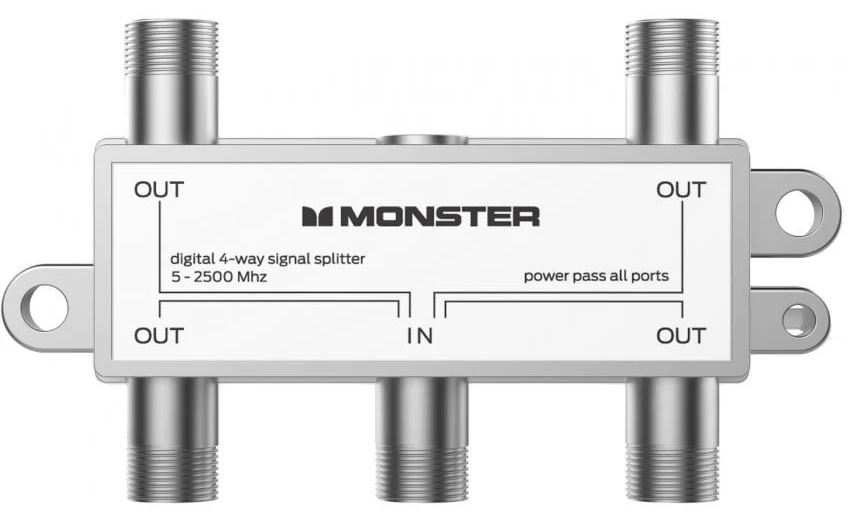
Monster Digital Coaxial 4 Way Splitter
No reviews yet
From
$4.00
Across 13 retailers
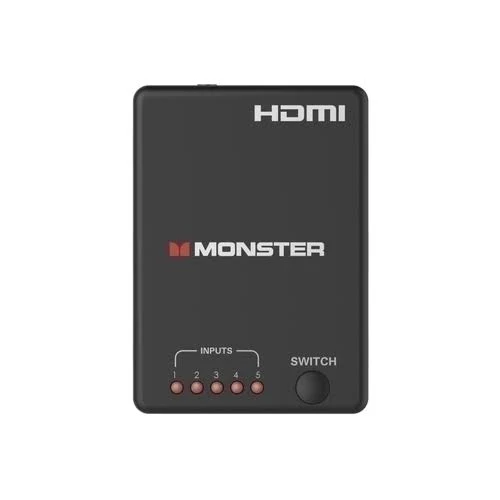
Monster 5 Way HDMI Switch
No reviews yet
From
$69.25
Across 13 retailers

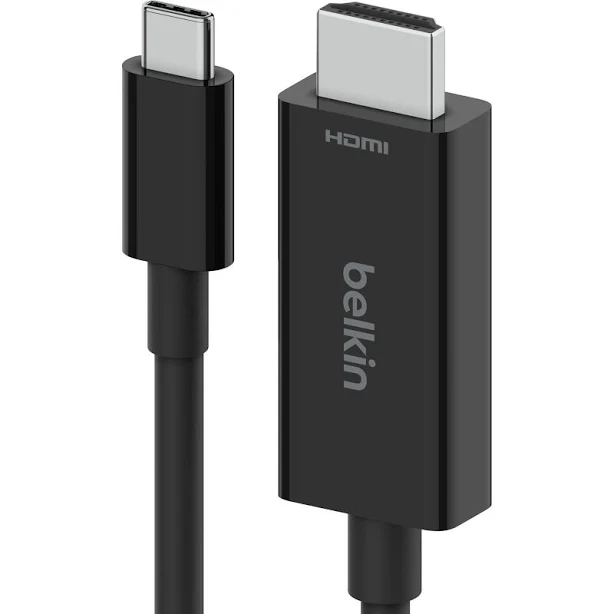
Belkin USB Type C to HDMI 2.1 Cable, 6.6FT/2M Cable with 8K@60Hz, 4K@144Hz, HDR, HBR3, DSC, HDCP 2.2, Works with Chromebook Certified, Compatible with MacBook, iPad Pro and Other USB C Devices
4.3(69)
From
$37.00
Across 12 retailers


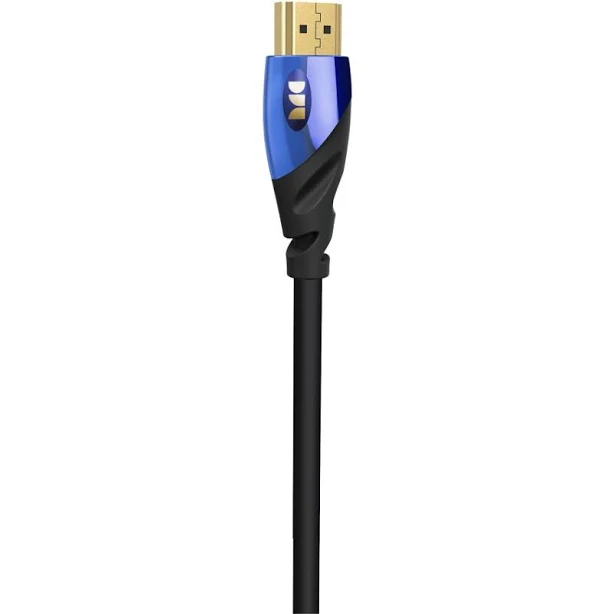
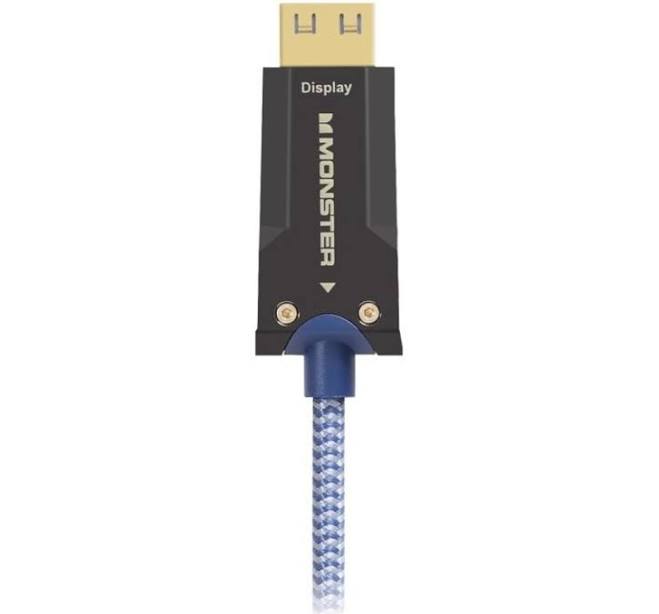
Monster M3000 UHS Active Optical HDMI Cable 20m
No reviews yet
From
$223.30
Across 12 retailers
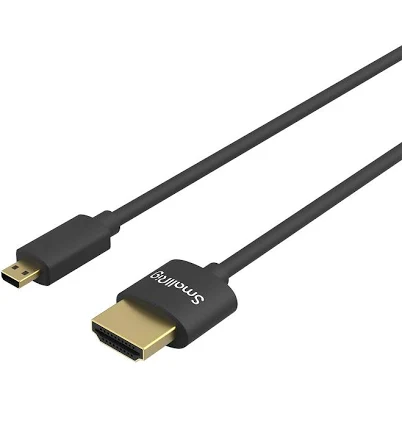

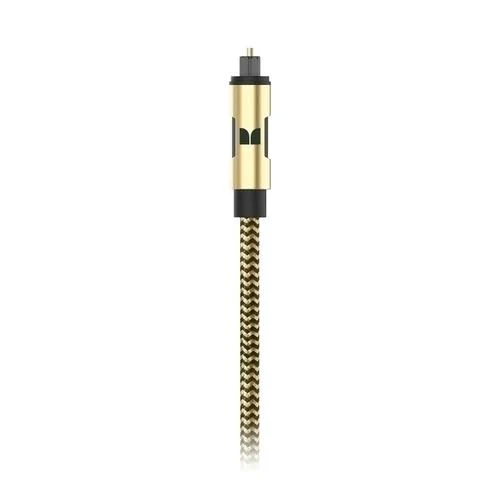

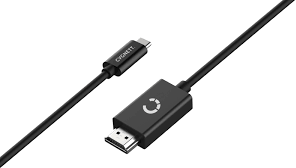
Cygnett USB-C to HDMI Cable 4K 1.8m
3.8(4)
From
$34.99
Across 11 retailers
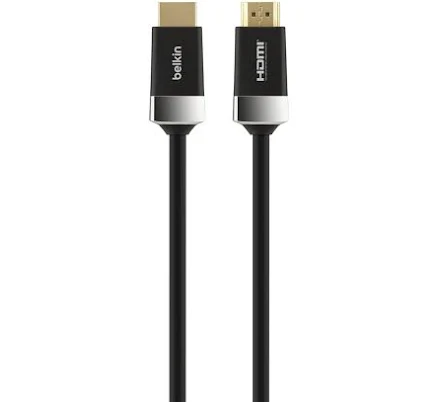
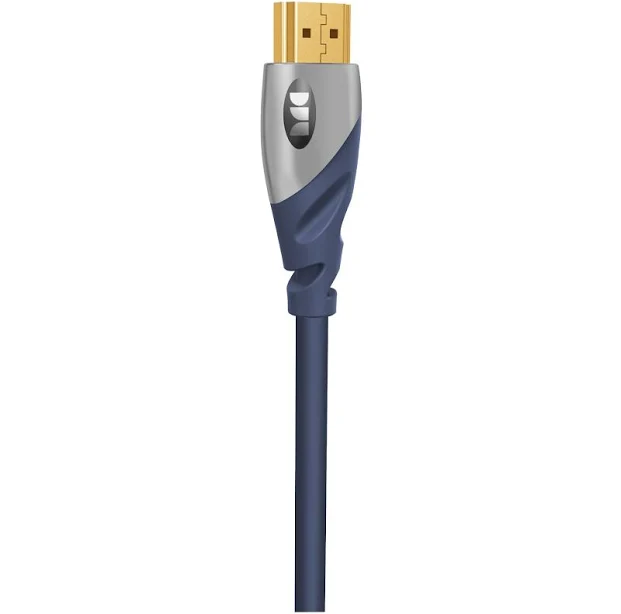
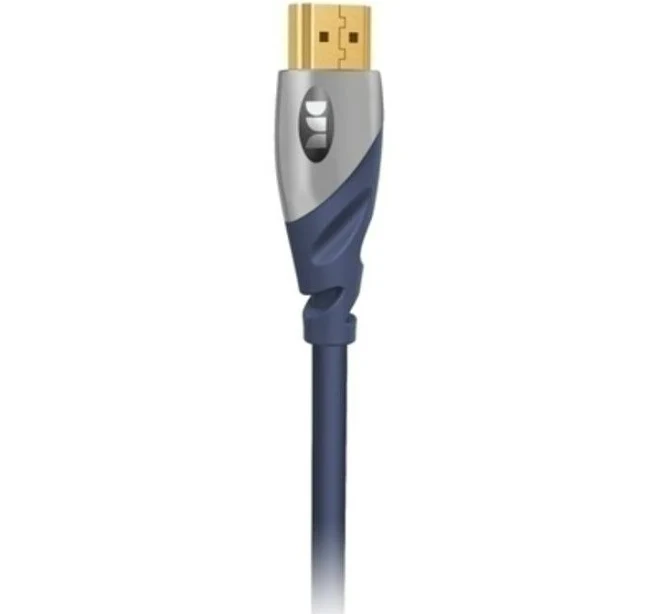

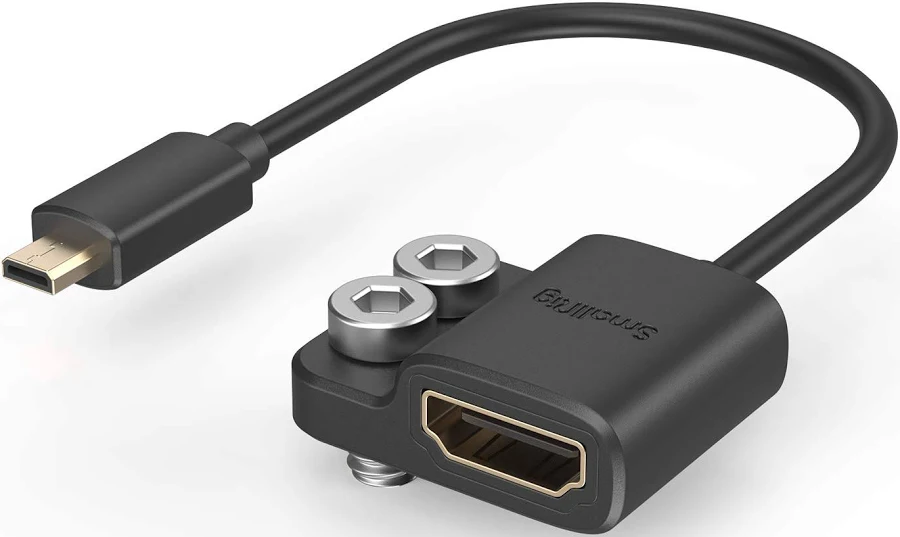
SmallRig Ultra-Slim 4K HDMI Data Cable (A to A) (55cm) 2957B
4.9(191)
From
$15.99
Across 10 retailers

Australian Market Context
According to an IBISWorld industry report on consumer electronics retailing in Australia, the sector has seen a consistent demand for peripheral accessories as households upgrade their digital infrastructure. The Australian consumer electronics market is valued at approximately $12 billion annually, with cable and connectivity accessories representing a steady sub-sector driven by the replacement cycle of televisions and gaming consoles. Retailers often experience significant spikes in volume during the third and fourth quarters, aligning with major promotional periods and the lead-up to the holiday season. Cyclical patterns are heavily influenced by the release of new gaming hardware and smart television models, which often require updated HDMI standards to function at full capacity. Furthermore, the shift toward remote work environments has sustained demand for high-quality connectivity cables, as Australians invest in home office setups that require reliable signal transmission. Retailers typically adjust their inventory levels in anticipation of these seasonal peaks, often bundling cables with higher-margin electronics to clear stock. Understanding these market cycles allows consumers to anticipate when retailers are most likely to offer competitive pricing on essential connectivity hardware, ensuring better value for money throughout the fiscal year.
Where to Buy HDMI Cables — Price Comparison
| Retailer | Products tracked | Price range |
|---|---|---|
| eBay | 33 | $4.35 – $341.10 |
| JB Hi-Fi | 27 | $11.95 – $799.95 |
| Woolworths | 26 | $8.80 – $999.00 |
| The Good Guys | 25 | $4.00 – $99.00 |
| BIG W | 23 | $8.80 – $899.00 |
| Dick Smith AU | 18 | $24.00 – $999.00 |
| Ink Depot | 16 | $12.77 – $313.00 |
| JW Computers | 14 | $6.99 – $399.00 |
Buying HDMI Cables in Australia: What to Know
When purchasing HDMI cables in Australia, timing your buy around major retail events can yield significant savings. Key periods include the End of Financial Year (EOFY) sales in June, Click Frenzy events in May and November, Black Friday in late November, and the traditional Boxing Day sales in December. When selecting a cable, prioritize the version number; HDMI 2.1 is essential for 4K/120Hz gaming and high-end home cinema, while HDMI 2.0 is sufficient for standard 4K/60Hz content. Length is a critical factor, as signal degradation can occur in passive cables exceeding five metres, necessitating active optical cables for longer runs. Ensure the cable is certified to meet Australian safety standards for electronics, particularly regarding shielding and fire-retardant materials. A common pitfall is overspending on 'premium' gold-plated cables for short distances; for digital signals, a standard high-speed cable often performs identically to an expensive one. Always check the bandwidth rating in Gbps to ensure it meets your device's requirements. Finally, consider the environment; if running cables outdoors or through walls, ensure they are rated for the specific Australian climate and building compliance regulations to prevent premature degradation or safety hazards.
Common Questions
Do I need a more expensive HDMI cable for better picture quality in Australia?
No, you do not need an expensive cable for better picture quality. HDMI signals are digital, meaning they either transmit the data perfectly or they do not transmit it at all. If a cable is 'High Speed' or 'Ultra High Speed' certified, it will provide the same image quality regardless of whether it costs $10 or $100. Higher prices usually reflect build quality, such as braided shielding or connector durability, rather than improved visual fidelity. Save your money by choosing a certified cable that meets the bandwidth requirements of your specific devices.
What is the difference between HDMI 2.0 and 2.1 cables?
The primary difference is bandwidth capacity. HDMI 2.0 supports up to 18Gbps, which is sufficient for 4K resolution at 60Hz. HDMI 2.1 supports up to 48Gbps, enabling 4K at 120Hz and 8K at 60Hz. If you own a modern gaming console like a PlayStation 5 or Xbox Series X, or a high-end 120Hz television, an HDMI 2.1 cable is necessary to unlock those higher frame rates and features like Variable Refresh Rate (VRR). For standard streaming devices or older monitors, HDMI 2.0 is perfectly adequate.
Are there specific Australian safety standards for HDMI cables?
While HDMI cables themselves are low-voltage and do not carry mains power, they must still comply with general Australian consumer product safety standards. If you are installing cables inside walls, you should look for 'CL2' or 'CL3' in-wall ratings, which indicate the cable jacket is fire-resistant. Always purchase from reputable Australian retailers to ensure the products meet local quality expectations. Avoid unbranded, extremely cheap cables from unverified sources, as these may have poor shielding that can cause interference with other household electronics.
How long can an HDMI cable be before I lose signal?
For passive copper HDMI cables, signal degradation typically begins to occur beyond 5 to 7 metres. If you need to run a cable across a large room, you may experience flickering, blackouts, or no signal at all. For distances longer than 7 metres, it is recommended to use 'Active' HDMI cables or 'Active Optical Cables' (AOC). These cables contain a small chip that boosts the signal, ensuring reliable transmission over much longer distances, sometimes up to 30 metres or more, without losing data integrity.
Can I use an old HDMI cable with a new 4K TV?
Yes, you can use an older cable, but it may limit your TV's performance. If the cable is an older 'Standard' HDMI version, it may not have the bandwidth to carry a 4K signal, resulting in a black screen or a lower resolution output like 1080p. To get the full benefit of a 4K TV, you should use a 'Premium High Speed' (HDMI 2.0) or 'Ultra High Speed' (HDMI 2.1) cable. Check the label on the cable packaging to ensure it supports the bandwidth required for 4K content.